
30 Oct 2026
A complete 3D Gaussian Splatting (3DGS) workflow involves more than capturing data. Hardware integration, data processing and model visualization all play a part in turning field data into usable 3D results. This guide answers the questions users ask most often about the integrated 3DGS solution from CHC Navigation, in the order the work is done: how to pair the CHCNAV RS7 handheld scanner with an Insta360 panoramic camera, how to process the data in the cloud, and how to view and share the finished models. If you are new to the technology itself, our article on mesh modeling and 3D Gaussian Splatting explains how 3DGS works.
The full workflow is shown in our video: RS7 + Insta360 X6, 3D Gaussian Splatting workflow.
| Scanner | Insta360 X6 | Insta360 X5 | Insta360 X4 |
|---|---|---|---|
| RS7 | Supported | Supported | Not supported |
| RS10 (16 and 32 line) | Not yet supported | Supported | Supported |
Full Insta360 X6 support for the RS10 is planned for a future version. To see the RS7 and an Insta360 X6 set up and processed step by step, watch the RS7 + Insta360 X6 tutorial on LiDAR scanning and CoPre processing.
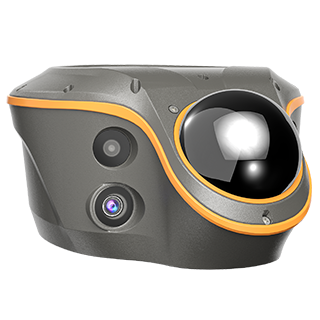
With its built-in cameras, the RS7 captures everything in a single scanning session and produces the essential deliverables: colored point clouds, meshes and 3DGS models. Its dual 12 MP HD cameras and the HPGS 2.0 engine are designed for real-color scene reconstruction, which covers the modeling needs of routine work.
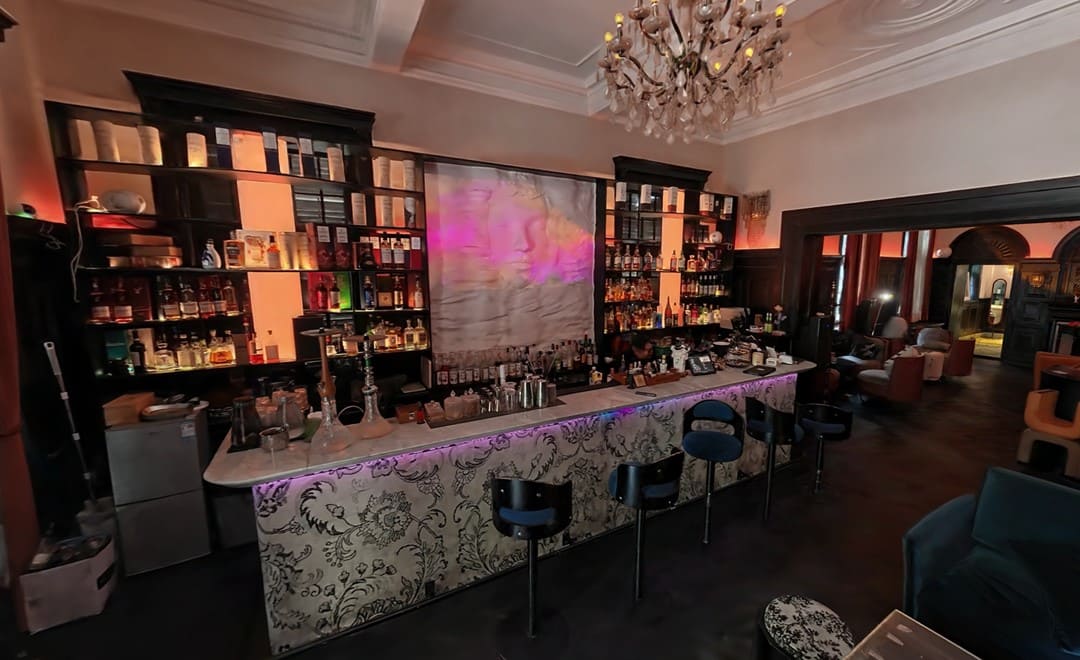
Pairing the RS7 with an Insta360 panoramic camera is an upgrade for professional-grade applications. Insta360 has mature panoramic imaging technology, with strong image quality in difficult conditions such as high dynamic range scenes and low light. Combined with the spatial data from the RS7, it enhances the texture detail and visual quality of 3DGS models, which helps most in low light and in interiors with complex lighting.
Compared with using a panoramic camera on its own, combining LiDAR point clouds with panoramic imagery has three advantages.
More accurate real-world scale. Purely visual modeling can struggle to reproduce real dimensions. LiDAR fusion improves the scale accuracy of the model and makes it more reliable for engineering measurements.
More stable reconstruction where there is little texture. In areas with limited visual texture, such as plain walls and open spaces, purely visual solutions can fail to match features, drift over a large capture area and produce misaligned models. Sensor fusion keeps the camera position estimate stable in these low-feature environments.
Several 3D deliverables from one capture, with consistent quality. With LiDAR fusion, the same data produces not only a 3DGS model but also point clouds, meshes and other 3D deliverables, so one capture serves several uses.
This upgrade focuses on reconstruction in difficult environments and addresses three common problems on site:
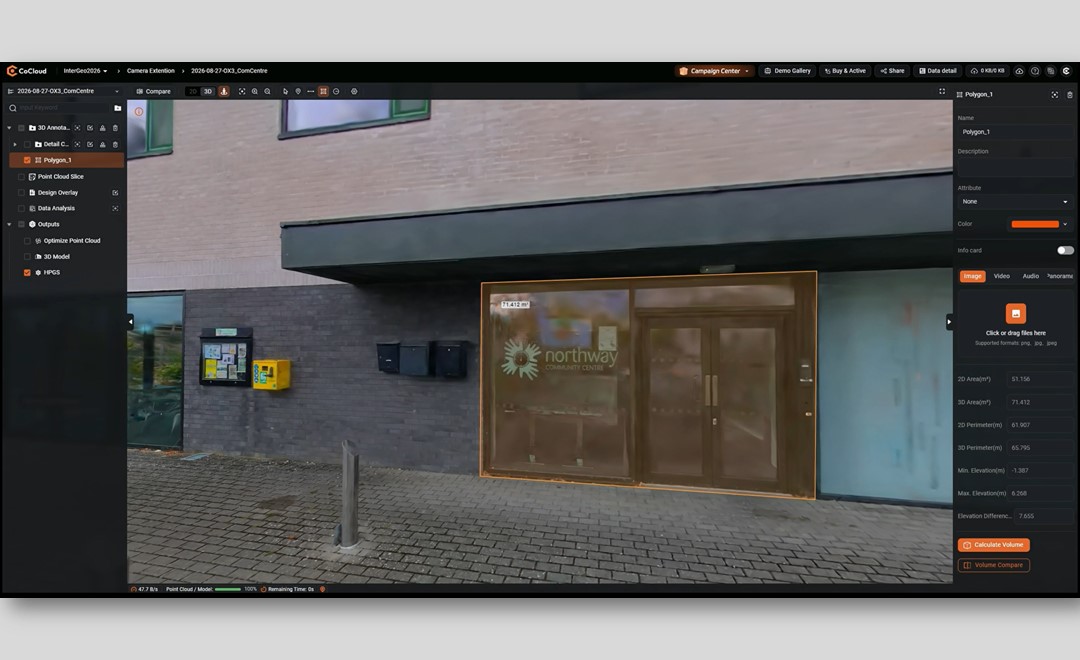
CoCloud removes the need for a high-performance computer. Upload the field data and the 3DGS model is generated automatically in the cloud. Compared with desktop software, there is no software to install and no complex parameters to set, and processing is faster.
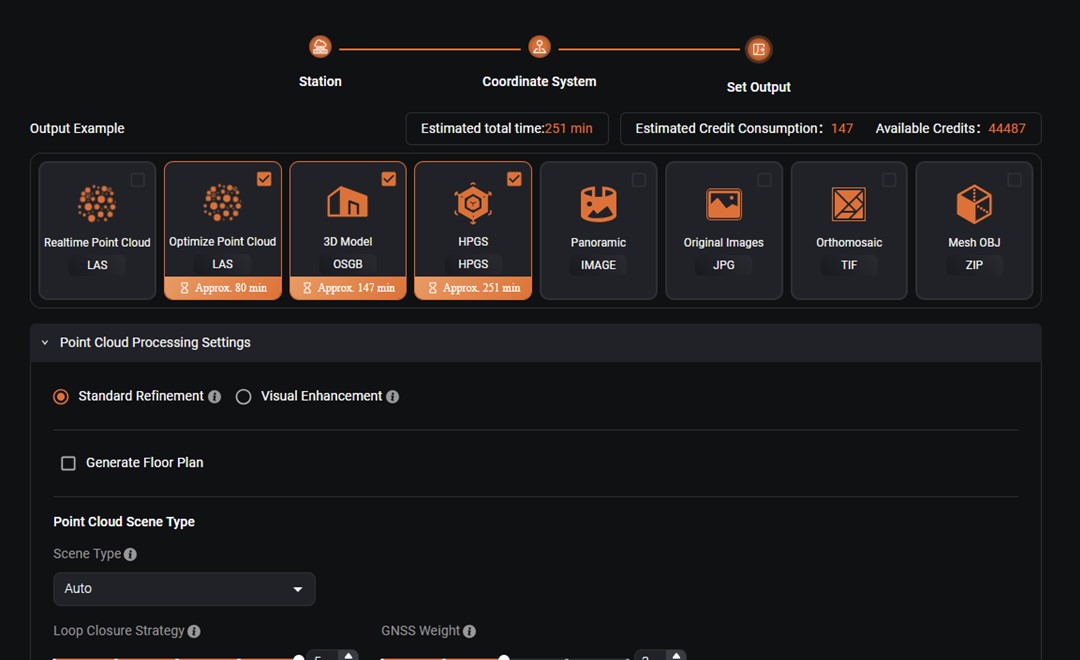
Before processing starts, the user chooses the outputs. Alongside the 3DGS model, listed as HPGS, CoCloud can produce real-time and optimized point clouds (LAS), panoramic images, the original images (JPG), an orthophoto (TIF) and a mesh model (OSJB and OBJ), and it shows the estimated processing time for each before the job begins.
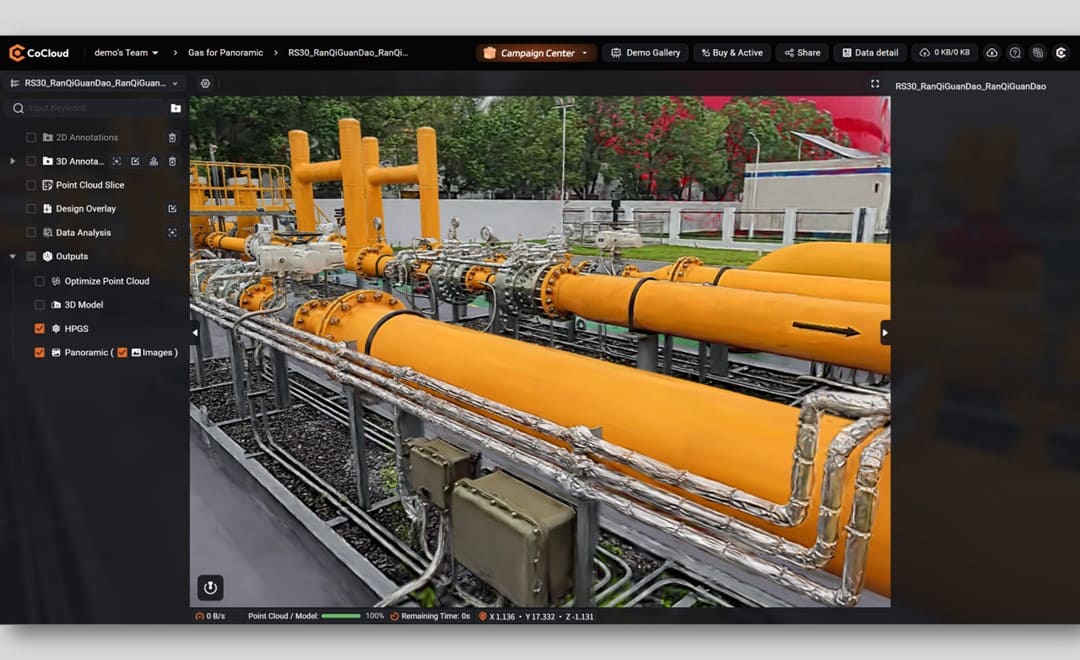
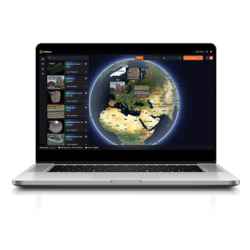
Computing resources in the cloud scale to the size of the job. Once processing is complete, the results can be viewed, managed and shared online, which keeps the whole 3DGS production in one place. You can sign in to CoCloud directly, and the CoCloud product page covers measurement, annotation, sharing and deployment options.
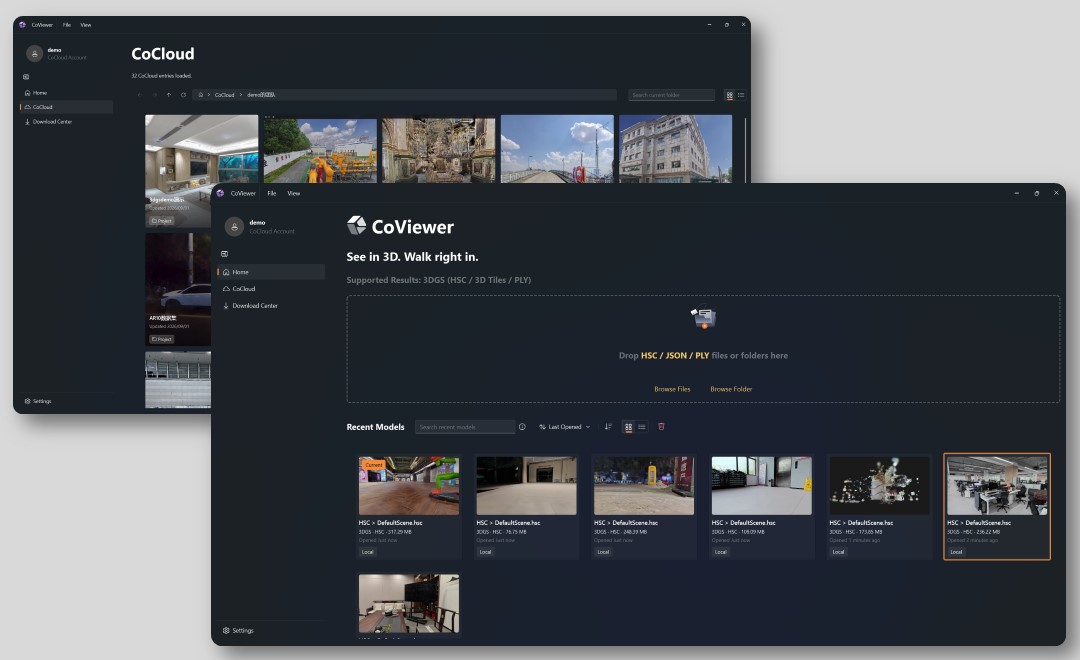
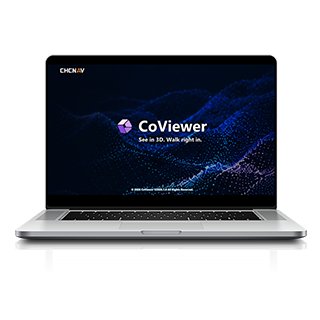
CoViewer is a free, lightweight desktop 3DGS viewer developed by CHC Navigation. It gives smooth interaction and high-definition detail, which makes it suited to presenting 3D deliverables, particularly from handheld scanning and complex indoor environments. Our CoViewer launch article covers its file formats and navigation modes. Here the focus is the rendering engine behind it.
CoViewer runs on the UniRender engine developed by CHC Navigation, which optimizes the whole 3DGS rendering pipeline with four technologies:
| Technology | What it does for the viewer |
|---|---|
| Higher-order spherical harmonics with adaptive HSC streaming | Keeps realistic lighting and reflections in the model while streaming HSC data on demand for smooth, real-time viewing |
| Adaptive tone mapping | Balances brightness, contrast and color, so the image stays consistent when moving from a panoramic view to close detail |
| GPU-accelerated rendering and anti-aliasing | Handles splatting, visibility culling, depth sorting and blending on the GPU to resolve layering in dense scenes, and reduces edge flicker while moving |
| Multi-scale level of detail (LOD) | Balances device performance, image quality and smooth navigation, so large scenes stay fluid while fine detail is kept |
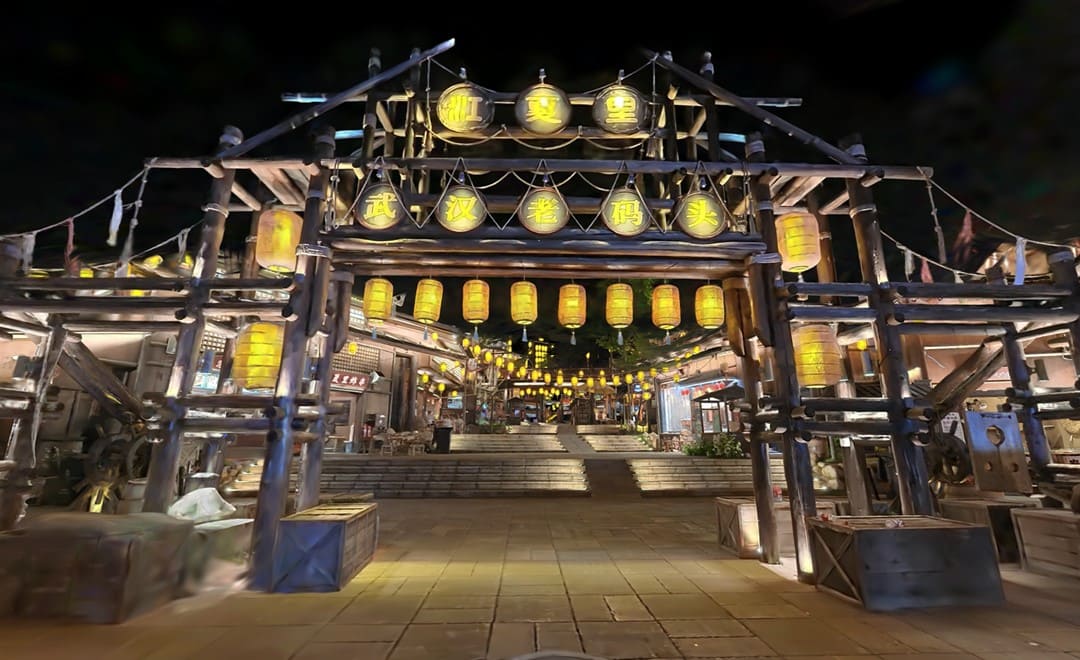
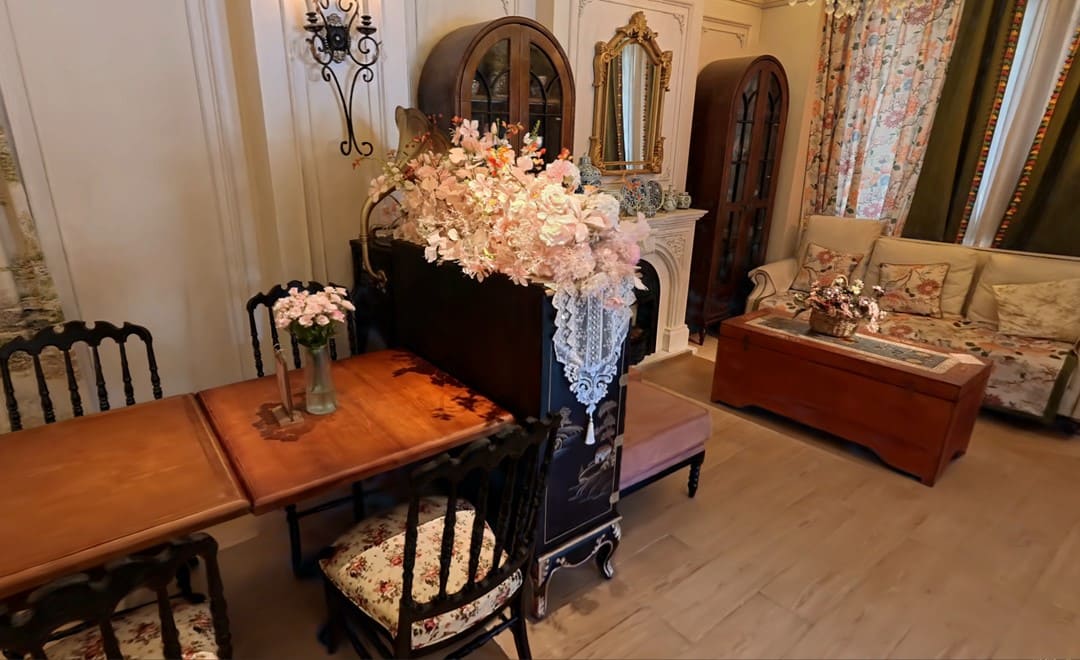
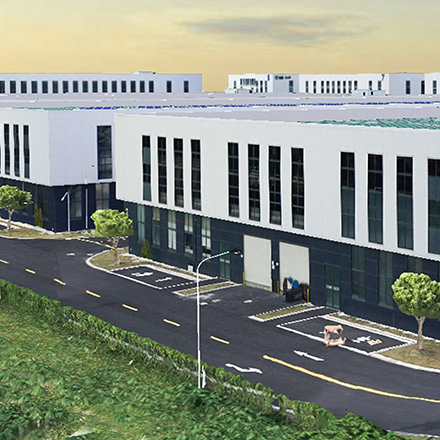
Typical uses include painted details in cultural heritage sites and exhibition halls, wood grain and fabric in residential interiors, and complex interiors with strong contrast between light and shade. Detail and color hold up even when viewed close.
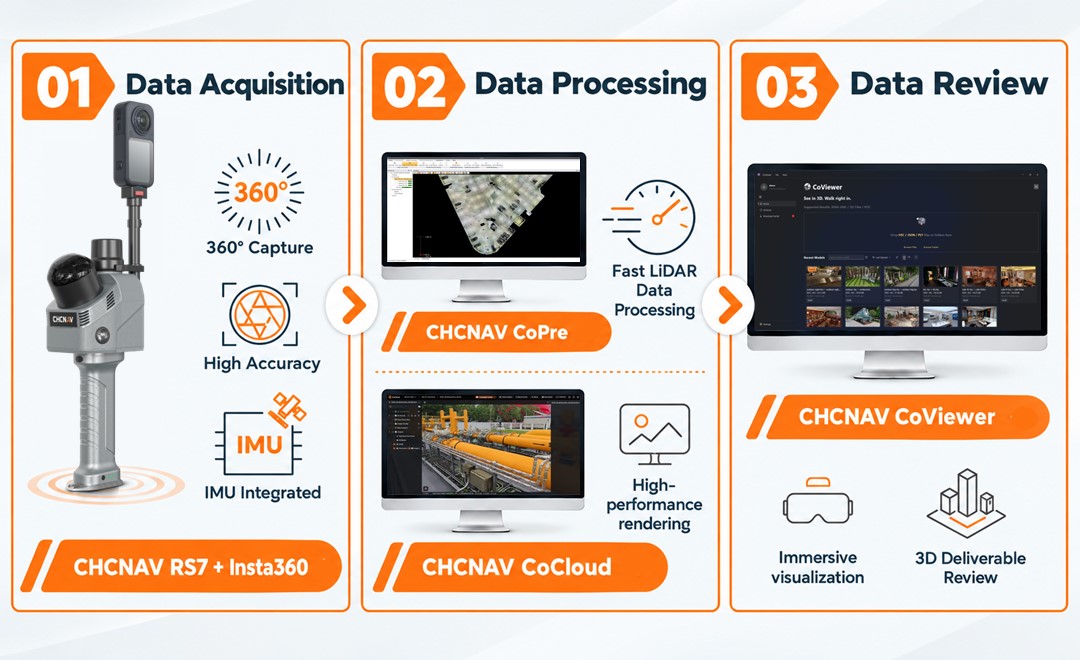
From capture to cloud processing to desktop viewing, the workflow runs in four steps:
1. Capture with the integrated 3DGS solution
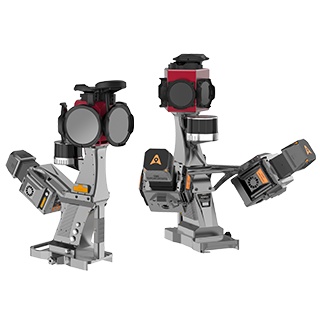
RS series handheld scanner with an Insta360 camera
2. Upload the data to CoCloud for processing
Local computing and hardware requirements drop sharply
3. Download the deliverables to CoViewer in one click
High-definition offline viewing, without unstable site networks, browser lag or image compression
4. Present the results
Presentations, design reviews, digital cultural tourism and digital twin displays, with high-definition visuals and smooth interaction
Two output formats are supported, one for general use and one for professional, high-precision work:
| HSC advantage | What it means in practice |
|---|---|
| Compressed, lightweight storage | At the same image quality and accuracy, an HSC file is about 10% of the size of a PLY file, which cuts the cost of storage, transfer, sharing and backup |
| Built for very large scenes | Spatial partitioning and multi-level LOD rendering simplify distant geometry and keep close-range detail, so large scenes stay smooth to navigate |
| Deliverables kept together | The model can carry its capture trajectory, origin point, environmental parameters and collision data, for central storage on engineering projects |
The integrated 3DGS solution from CHC Navigation connects data capture, cloud processing and 3D visualization in one workflow. It simplifies the field work, improves how results are viewed and shortens the time from site visit to finished model. For a field example with the same scanner, see our indoor survey workflow with the RS7, and for the full range of handheld, mobile and airborne systems, our 3D mobile mapping solutions.
CHC Navigation (CHCNAV) develops advanced mapping, navigation, and positioning solutions designed to increase productivity and efficiency. Serving industries such as geospatial, agriculture, machine control and autonomy, CHCNAV delivers innovative technologies that empower professionals and drive industry advancement. With a global presence spanning over 140 countries and a team of more than 2,200 professionals, CHC Navigation is recognized as a leader in the geospatial industry and beyond. For more information about CHC Navigation [300627.SZ], please visit: https://geospatial.chcnav.com/about/overview
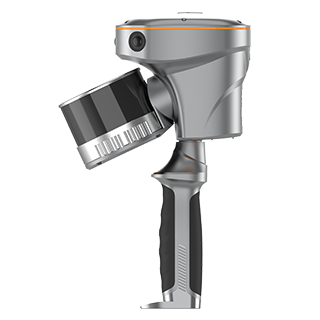
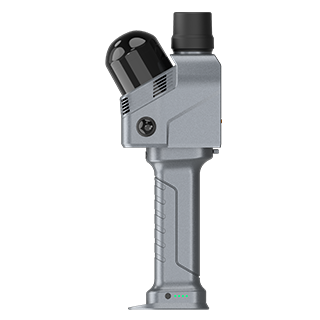
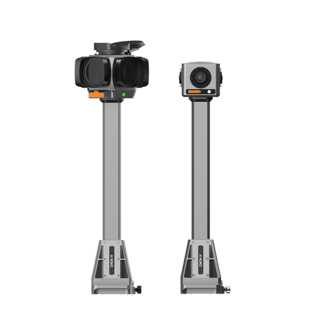
CHCNAV RS10
Handheld SLAM 3D Laser Scanner + GNSS RTK
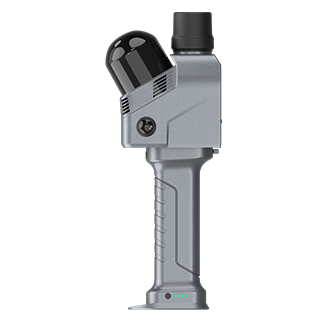
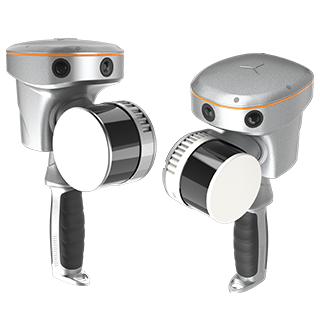
CHCNAV RS7
Handheld Real‑Time 3D LiDAR Scanner
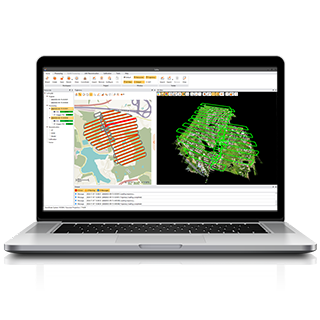
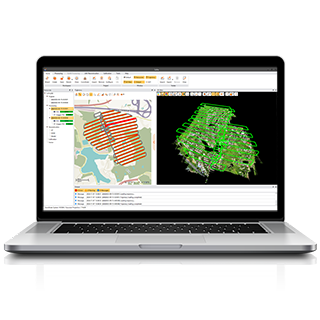
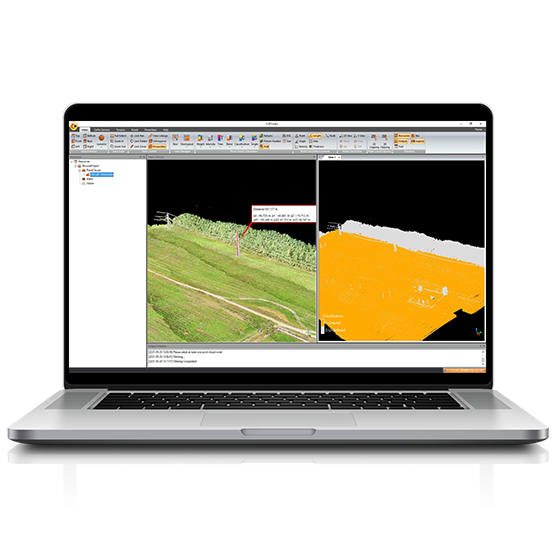
CHCNAV CoPre
LiDAR Processing Software
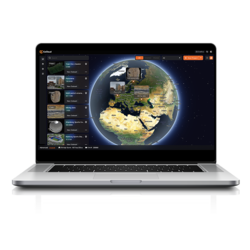
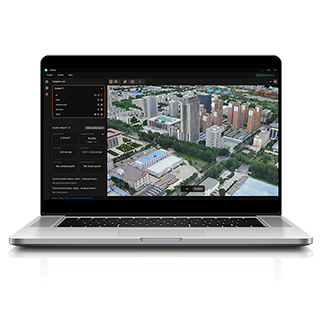
CHCNAV CoCloud
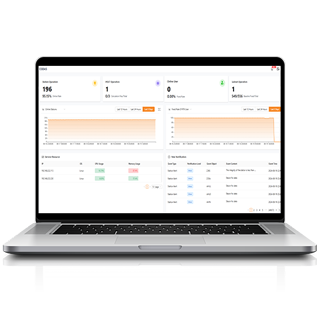
Cloud-based 3D Processing & Application Platform
CHCNAV CoViewer
Free Lightweight Desktop 3DGS Viewer Software


.png)